A warehouse bill that doubles in December is usually not a growth story. It is a query that started scanning more data, a dashboard that refreshes more often, or a table nobody deleted. The fix is unglamorous and effective.
We reviewed cost spikes across BigQuery, Snowflake and Redshift environments ranging from a few terabytes to several petabytes. The same four patterns appeared in almost every case, and none of them required a new tool to find.
Pattern one: the dashboard that refreshes all day
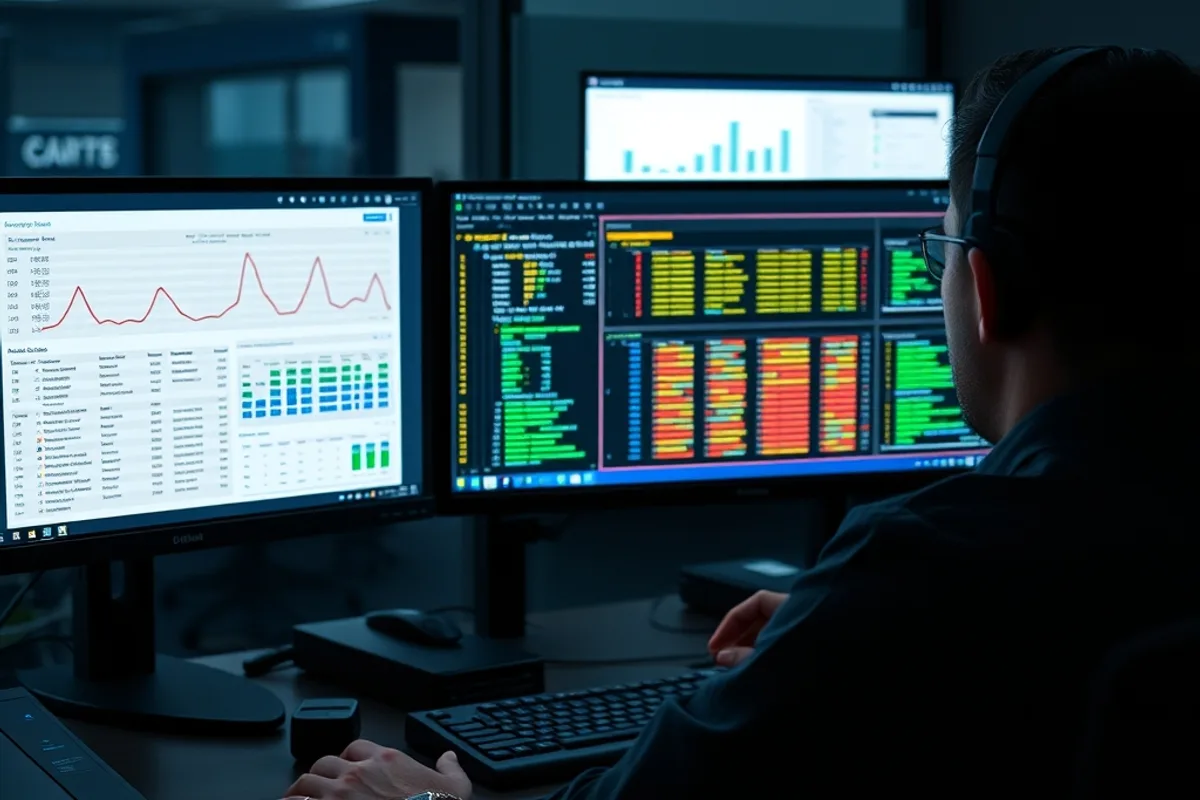
Business intelligence tools are generous with refresh schedules. A dashboard set to update every fifteen minutes, opened on a wall display in an office that nobody visits, can consume more compute than the entire analytics team. Multiply that by twelve dashboards and the bill becomes a facilities cost.
Look for scheduled queries and extract refreshes that run more often than the underlying data changes. A daily sales report does not need a five-minute refresh. A cache layer or a materialised table usually removes 80 percent of the repeated work at a fraction of the cost.

Pattern two: SELECT star on a wide table
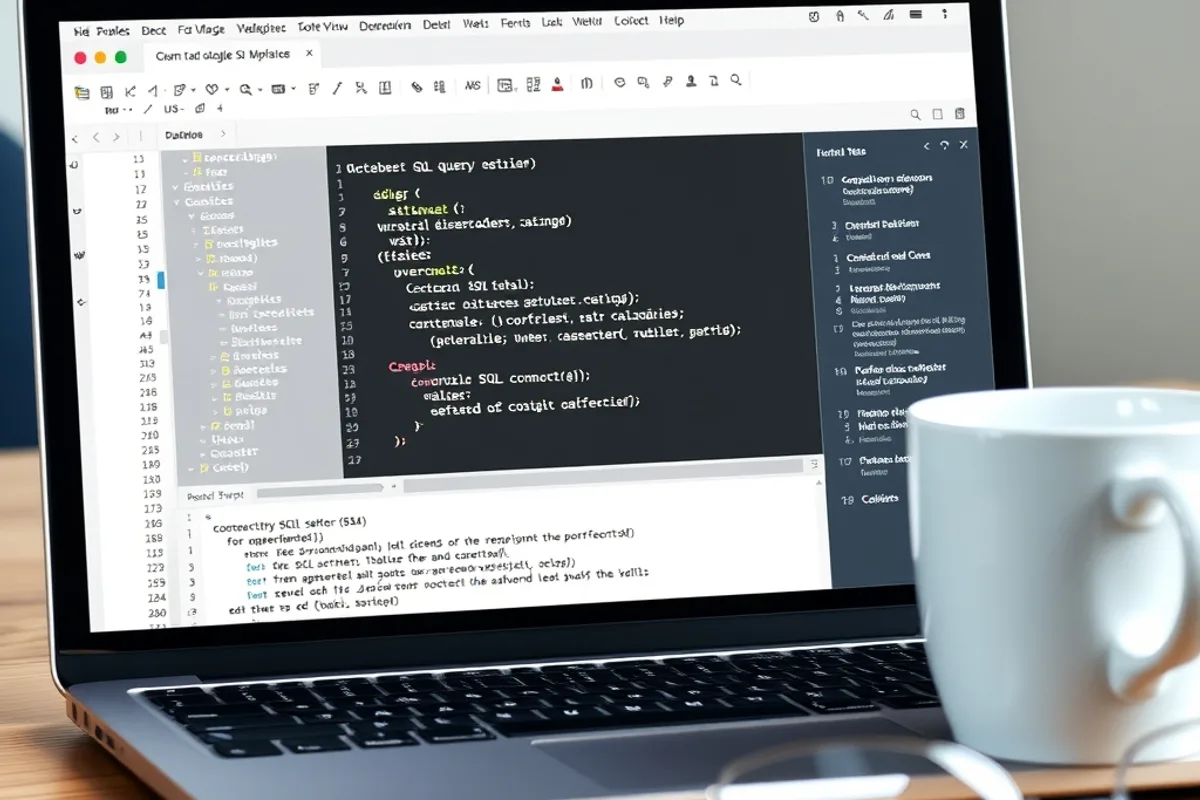
Columnar warehouses charge for the columns a query reads. A stored procedure that selects every column from a wide event table pays for fields nobody uses, including nested JSON that inflates scan size. It works fine in development, where the table is small, and becomes expensive in production.
Inspect the top twenty queries by bytes scanned, not by duration. The slowest query is often cheap and the most expensive one is fast. Rewrite the worst offenders to select only the columns they need, filter early and push predicates down before joins.
Partitioning and clustering are the other half of the fix. A table partitioned by event date and clustered by account lets the warehouse skip most of the data. Without them, every query reads the full history, and history grows every night.
Pattern three: retaining raw data forever
Storage is cheap until it is not. Raw event tables, staging copies and obsolete model outputs accumulate because deleting them requires a decision. Teams create a new table for every experiment, then forget which one is authoritative.
Set a retention policy by layer. Raw data for a defined window, staged data for less, and aggregates for as long as the business needs them. Move cold history to object storage in an open format. You keep the ability to replay it without paying warehouse prices to store it.
The cheapest byte is the one you never scan. The second cheapest is the one you archive before the next invoice.
Pattern four: the query that runs on a schedule nobody owns
Cost reviews often find scheduled jobs created during a migration, a test or a departing employee's final week. They run daily, write to a table nobody reads and scan a year of data each time. No dashboard depends on them, so no one notices the spend.
Tag every scheduled query with an owner and a purpose. Delete anything without both. This sounds bureaucratic until the first review, when it typically removes a double-digit percentage of compute with no visible impact on reporting.
Key facts
- Refresh schedules are the most common source of avoidable spend.
- Columnar warehouses charge for columns read, not rows returned.
- Partitioning and clustering cut scan size more than query tuning alone.
- Set retention by data layer and archive cold history cheaply.
- Every scheduled query needs an owner and a purpose.
Controls that actually change behaviour
Budgets and alerts are necessary but weak. A team that only learns about overspend at month end cannot change the query that caused it. Stronger controls put cost next to the query: per-team quotas, query cost estimates in the editor, and a review for anything above a threshold.
Chargeback, even a soft one, changes priorities. When a team sees its own name on the invoice, the dashboard refresh schedule becomes a design decision rather than an infrastructure default. Start with visibility, then move to quotas, then to chargeback if the culture supports it.
A monthly routine that keeps bills flat
Once a month, review the top ten queries by cost, the top ten tables by storage, every scheduled job and every dashboard refresh. It takes an hour. It catches the slow drift that turns a stable bill into a December surprise.
Also review who has permission to create tables and run large queries. Most cost incidents are accidental, and a little friction at the point of creation prevents a lot of cleanup later. For the event data feeding these tables, see cookieless analytics; for the hosting layer underneath, read cloud repatriation costs.
Bottom line
Your warehouse bill is a design document. It records how often you refresh, how much you scan and how long you keep. Fix those three and the December spike becomes a boring, predictable line item.