Cloud gaming stopped being a demo and became a subscription decision. The service works. The question is whether it works for the way you play, on the connection you actually have, at a cost that beats owning the hardware.
We ran three major services for eight weeks on a fibre line and a 5G home connection, logging input latency, resolution, data use and the hours we genuinely played. The averages were fine. The exceptions were what decided the experience.
Latency: the number that matters
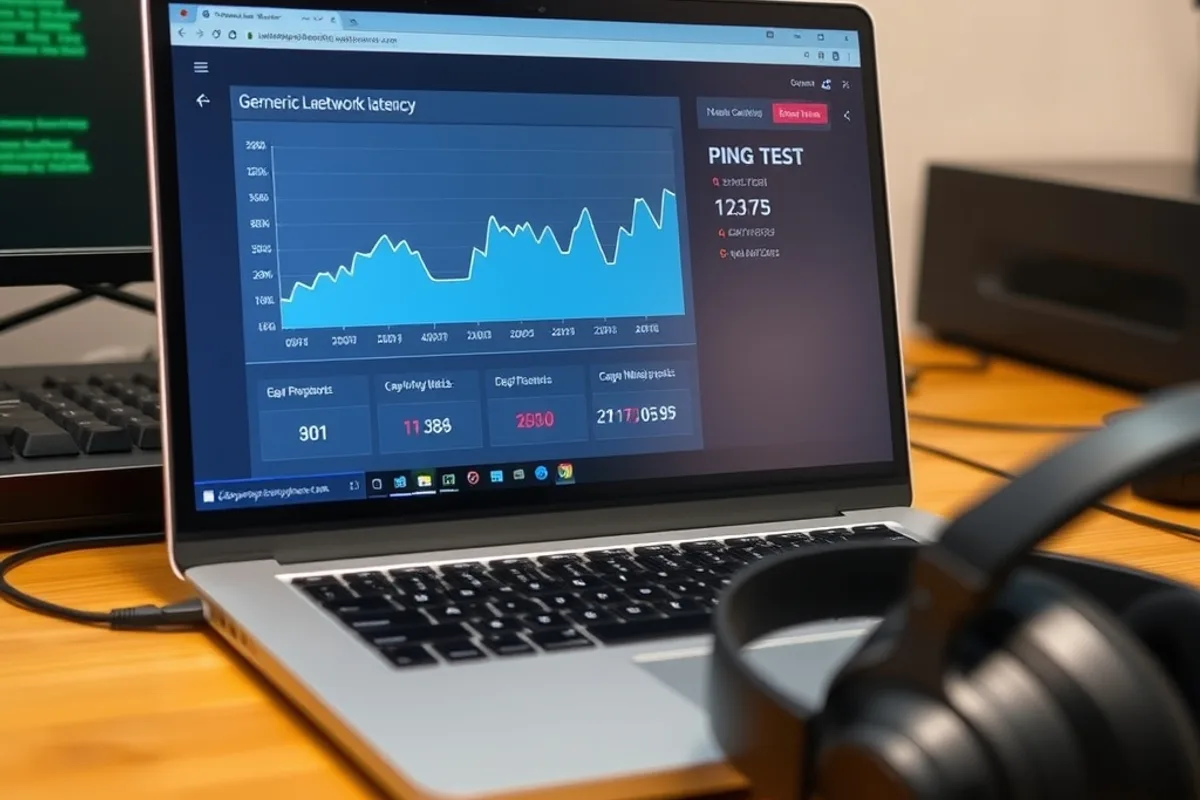
Streaming latency is the round trip from your controller to the server and back to your eyes. Below roughly 40 milliseconds, most action games feel responsive. Between 40 and 70 milliseconds, casual and turn-based games are fine and shooters start to feel soft. Above 70 milliseconds, the service is usable but the game is not the same game.
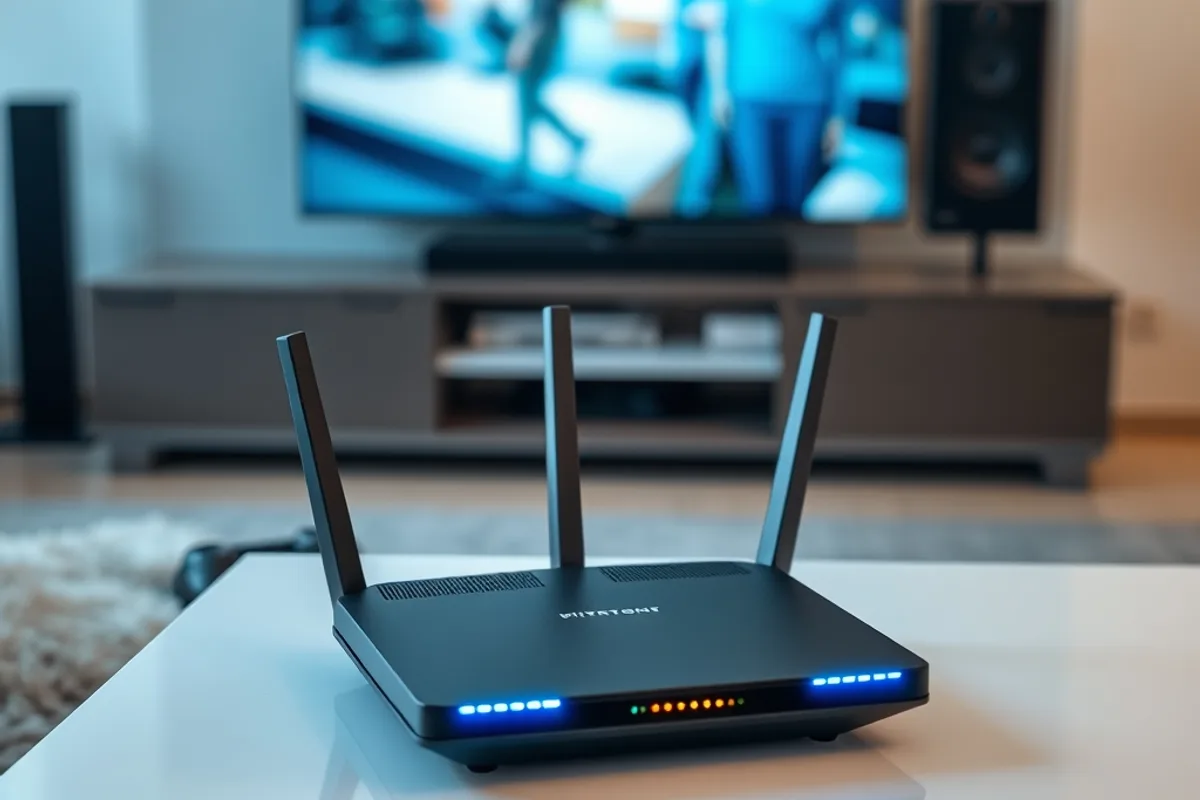
Your distance to the nearest data centre sets a floor you cannot optimise away. A wired connection and a good router remove jitter, but they cannot shorten the distance. Check the service's server map before you subscribe, and test during your normal play hours rather than at 3 a.m.
Jitter matters as much as average latency. A stable 55 milliseconds feels better than a connection that swings between 30 and 110. If your router reports bufferbloat under load, fix that before blaming the service.
Data: the cap nobody reads
Cloud gaming is bandwidth-hungry and steady. At 1080p and 60 frames per second, expect roughly 3 to 7 gigabytes per hour depending on the service and scene complexity. At 4K, that can climb past 15 gigabytes per hour. A ten-hour week at 1080p is 30 to 70 gigabytes, before downloads, updates and everything else in the house.
On an unlimited fibre plan that is irrelevant. On a capped or metered connection it is the whole calculation. Check your plan's monthly allowance and whether your provider counts uploads, then compare with the hours you actually play rather than the hours you imagine you will.
Mobile play adds another constraint. A one-hour session on a phone can consume a meaningful slice of a data plan, and the experience depends on signal quality that changes block by block. It works for a commute; it is not a substitute for a wired session.
The real cost per hour
Divide the monthly subscription by the hours you played last month, not the hours in the marketing material. A $18 plan used for eight hours is $2.25 per hour. The same plan used for forty hours is $0.45. The service is a terrible deal for occasional players and a good one for heavy players who would otherwise buy a console.
Then add the hardware you already own. If you need a new controller, a 4K television or a better router to make the service worthwhile, that belongs in the first-year cost. If you already own those things, the comparison is much friendlier.
Cloud gaming is cheap per hour only if you actually play the hours. The subscription does not care whether you do.
Key facts
- Under 40 ms feels responsive; above 70 ms changes the game.
- 1080p60 typically uses 3-7 GB per hour; 4K can exceed 15 GB.
- Jitter hurts more than a slightly higher stable latency.
- Cost per hour depends on hours played, not the plan's headline price.
- Mobile data caps make portable sessions an expensive habit.
Who should subscribe
Cloud gaming fits three profiles: players who want a big-screen experience without buying a console, players who jump between platforms and hate managing storage, and households where one subscription serves several people. It fits poorly for competitive shooters, for people with capped internet, and for anyone who plays fewer than ten hours a month.
The library matters too. A service with the games you want is worth more than a technically superior service with a catalog you ignore. Check the leaving titles each month, because the game you started may disappear before you finish it.
How to test before committing
Use the free trial, but test the right things. Play the most demanding game in the catalog, at the resolution you intend to use, at the time of day you normally play. Measure latency with a slow-motion camera if you want a real number, and note any resolution drops during busy scenes.
Then check the cancellation terms and the price after the introductory period. Services change catalogs and tiers often. A monthly plan is a better first step than an annual commitment, even if the annual price looks tempting.
Bottom line
Cloud gaming in 2026 is good enough for most genres on a good connection, and still frustrating on a bad one. Measure latency, count your hours, check your data cap and read the renewal price. If the numbers work, the convenience is real. If they do not, a used console is still the better buy. For the home network side, read our Wi-Fi 7 field test; for the ownership question, see game preservation.